Tell you what, regardless of what I said last week, I really love my Iridium. I also love the Blofeld. Looking back at the previous Blofeld posts, I realize that I have been owning a blo for more than ten years now. My original intention when buying the Waldorf Iridium was having it as kind-of-an-upgrade to the Blofeld, which never worked: You can’t just switch beween presets with the Iridium in real-time, it does not live up to the Blofeld’s Multi Mode, and well, yes, the Blofeld does have quite different sound characteristics.
As I realised in writing my last post, this may be because the Iridium invites complexity. Well, so does the blofeld, once you wrapped your head around menu-diving from the springboard of its four edit matrix buttons, but I guess I’ve got used to those.
In a nutshell: My Blofeld has a couple of really good presets I would like to port to the larger synthesizer with the better UI. And there’s a tool for that now.
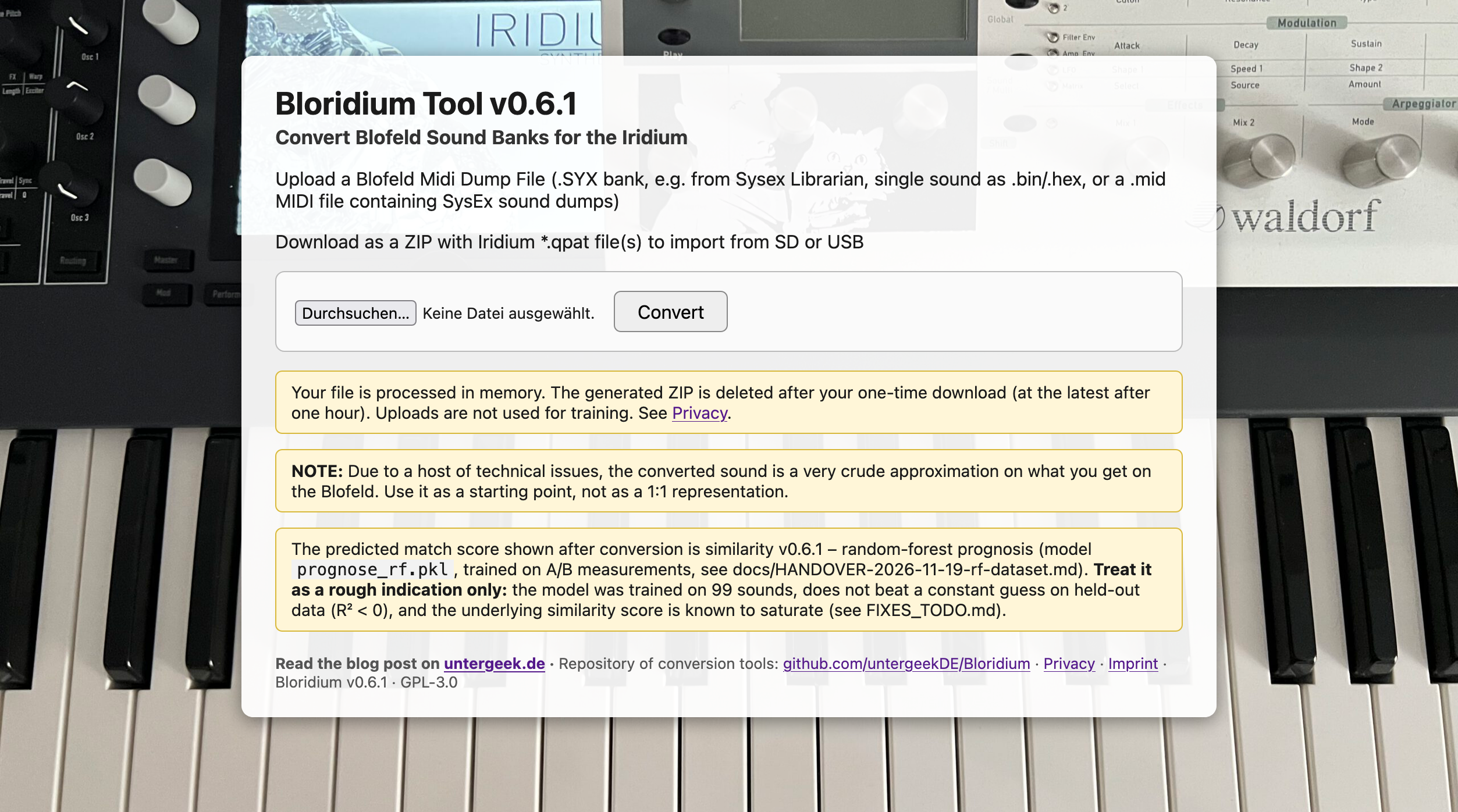
Not to keep you waiting: You may head over to the demo at bloridium.frankruft.de – upload a Blofeld sound or bank, get back a .qpat file for the Iridium, and a prognosis how good the conversion might work.
The important thing is that it should work, after all, the Iridium is a descendant of the more humble machine. The architecture is quite similar:
- Wavetable and VA based on very similar concepts and waves
- 3 oscillators
- Basic substractive-synth workflow: OSC -> Filters -> Amp -> FX
- An extensive mod matrix
Yet there are things to take into consideration
Blofeld vs. Iridium: Audible differences
The Iridium does have a host of additional options and improvements, mind.
- Decent effects. Let’s not talk about the Blofeld’s nasty reverb, shall we?
- Additional synthesis modes. You can go on emulating Karplus-Strong synthesis with a comb filter, as I used to do on the Blofeld – the “Digital Former” filter allows you to do just that. Or use 6-OP FM. Or use granular synthesis. Or the resonators (yay!) Or jump straight into the new “Seeds” mode, which allows you to use all of them in one oscillator.
- Per-key Aftertouch instead of channel Aftertouch. The poly-aftertouch keyboard of the Iridium is mind-blowing, it feels great and makes you wonder how you could ever not use polyphonic aftertouch. Yet you have to consider that when transferring sounds.
OK, the Iridium can do more. No problem here. But there are also limitations
- No OSC FM. As the Iridium has its dedicated FM synthesis mode, just modulating OSC1 by OSC2 is not possible.
- Very few fixed modulation paths. The Blofeld has fixed modulation paths in addition to the modulation matrix. For example, you set PWM when setting up the oscillator, selecting a control source and an amount. With the Iridium, you use the modulation matrix for basically everything. You do have a dedicated ENV1->Filter and VEL->Filter parameter though.
- Filter architecture: Took me ages to understand that the Iridiums’s two filters are actually in parallel and cannot – for all of their different link modes – be serialised. To be honest, I still don’t quite understand it. The important thing is that most of the time, you have to map the Blo’s Filter2 to the Iridium’s Digital Former, actually a third filter. Only exception are sounds where the Blofeld’s filters are actually routed in parallel.
- No Filter Drive parameter. This has been replaced by a dedicated effect, and by the “Saturated” and “Dirty” filter types.
- No dedicated Ring Mod, you have to use the Digital Former. Ring Mod is hard-wired to the Blofeld’s oscillators, this does not exist in the Iridium; use the Digital Former as a ring mod effect instead.
- No dedicated Noise source, you have to use an oscillator.
- No sysex.
Wow. Let that sink in. Chief developer Rolf Wöhrmann wrote in 2019 that “We have no plans for plain old Sysex” (🌎 Gearspace, 11-Feb-2019) while suggesting a mode where you can just mount the Iridium via USB and write to its memory. As of now, there is no officially documented way of doing any of these things.
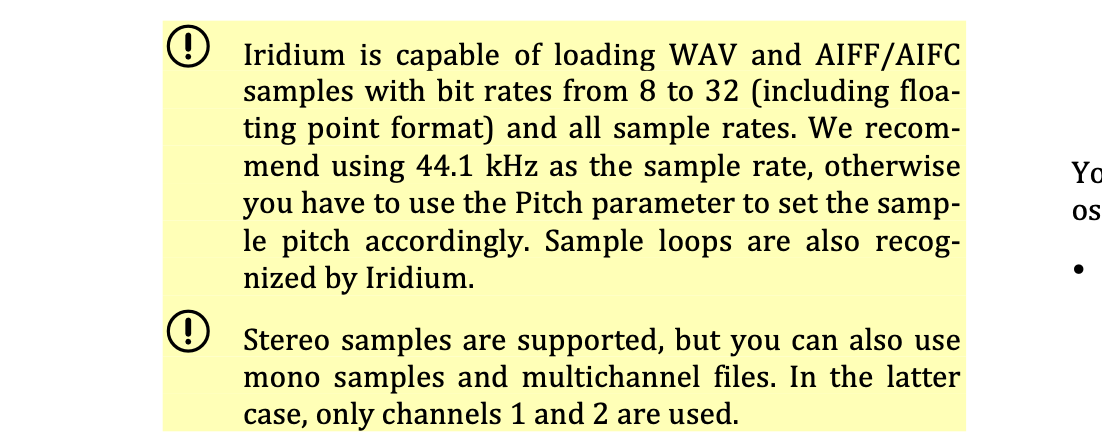
So importing a sound means: prepare the preset as a “.qpat” file, sample files, and a sample map – which is a text file; the qpat file, unfortunately, is not. Then, copy everything to an SD card or USB stick, head over to the Iridium, and re-import them using LOAD and the “Actions” button.
PITA.
Remote-controlling the Iridium is largely impossible
To summarise:
- No Sysex
- No way to control the mod matrix from the outside
- No method of uploading sounds, or samples, from the computer
- No NRPN control – the Iridium can output NRPN, it does not interpret them.
- Very limited CC control, as MIDI CC is by nature limited to (give or take) 116 parameters and values in the range of 0-127…
- …and you will have to create a comprehensive MIDI map for yourself – luckily, they are plain text files; I have prepared a map covering as much Blofeld ground as possible here: iridium_os4.mimap
A vibe-coded “Bloridium” tool creates Iridium sounds from the Blofeld…
So I fired up OpenCode with Mistral-Large-4, and had it code a command-line tool named bloridium: once installed, a simple terminal command like bloridium convert A043 gets you the sound in question from the Blofeld (A043), and convert it into a .qpat file that you can import to the Iridium (i.e. copy it to a stick, unmount stick, put stick into Iridium, press “LOAD”, touch “Actions”, select “Import”, select file, import… you know the drill by now.)
Bloridium also has an A/B test mode where it can try to measure the difference between the original Blofeld sound, and the Iridium interpretation. Right now, it uses a couple of simple measurements like spectral diagrams and amplitude comparisons for a very crude similarity score. Another, very experimental next step uses CLAP-GGUF (🌎 Huggingface) as well as a multi-model decision model (🌎 Ollama.com) to create descriptions and embeddings of the sound versions, and calculate the distance between them.
I used the similarity score to train another small model predicting how good the conversion actually may be, and which are the most important parameters for tweaking. It’s a Random Forest model, which is basically a swarm of rules the machine found, so compared with all the other AI magic, it’s pretty lightweight.
The A/B comparison needs both synths to be connected to an audio interface, and to be controlled via MIDI (I suggest you stick to MIDI as connecting both of them to USB is the safest way to get copious amounts of very, very nasty digital noise via an USB ground loop).
…but does not do a very good job at it
The first couple of sounds I imported sounded nothing like the originals.
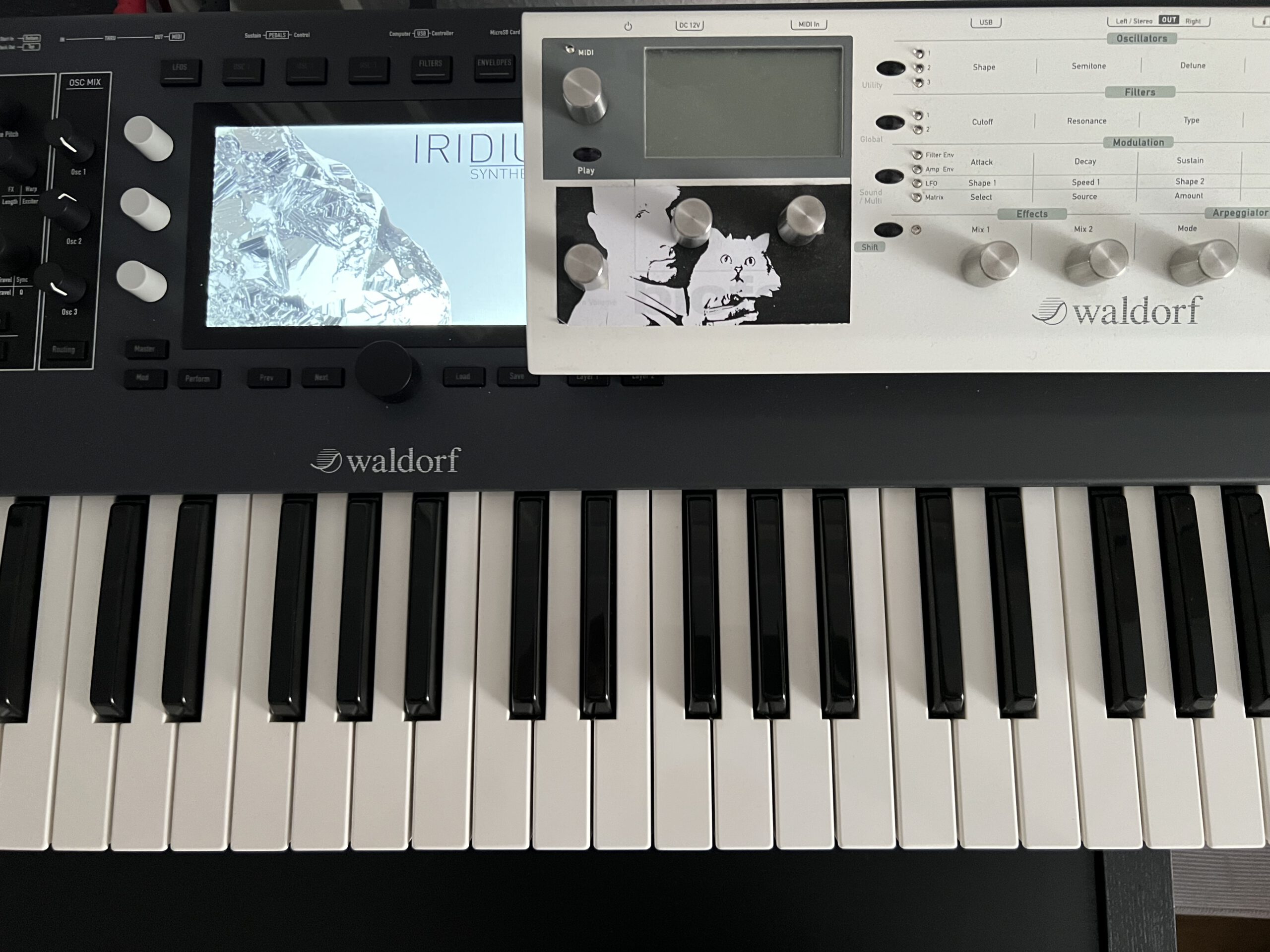
Brothers in arms: Waldorf Blofeld expander and its descendant, the Iridium
My original idea was to have the AI figure out the necessary sound tweaks, but actually I had to diagnose the first couple of errors in the translation myself: The first iterations used the wrong waveforms for wavetables, and translated signed parameters the wrong way. They missed octave settings for the oscillators. I fixed those.
There have been a couple of usable sounds by now. There has been progress. There is still a lot to find. Next step would be the audio model so that I can have an agentic, automatic process for tweaking. Using the iridium_os4.mimap MIDI, I hope that it covers much of what may need to be tweaked, so that the agent can go and find curve adjustments for envelopes, filters, and LFOs. Not there yet.
If you would like to try it, go ahead – download the repository from github.com/untergeekDE/Bloridium, have your favourite sounds converted, and tweak away. If you use a coding agent yourself, it’s a good idea to install the Bloridium skill, and use the agent to explore the sound tweaks interactively.
That does help, but do not expect an immediate conversion. What you MAY expect is a marvellous inspiration, and a good starting point to start tweaking towards exciting new Iridium sounds.